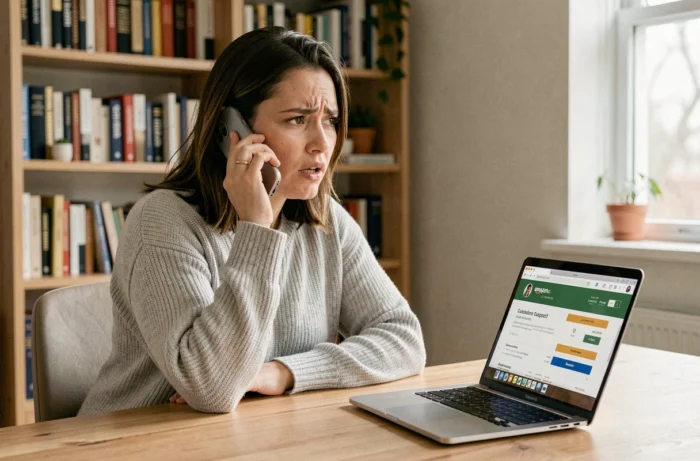
You’ve just received a damaged package, an incomplete order, or a charge you don’t recognize. Your first instinct is to look for a phone number or email address to contact Amazon.
The problem is that Amazon doesn’t make this contact information easy to find on its website. The contact process goes through an online interface that directs each request to the right channel: a phone callback, live chat, or a form. Here’s how to navigate the system without wasting time.
Why Amazon doesn’t display a direct phone number
Amazon doesn’t operate like a traditional phone company with a fixed customer service line. The platform uses a callback system: Amazon calls you, not the other way around. This approach links your call directly to your account and the order in question.
In practice, this means that the representative who calls you can already see your history. You don’t need to repeat your order number or address. It really does save time, even if the initial process can seem confusing.
To understand how to contact Amazon customer service by phone or email, you first need to go through the online help page, which serves as a single entry point to all available channels.
Access the Amazon contact page from your account
The steps differ slightly depending on whether you’re using a computer or the mobile app. In either case, you need to be signed in to your Amazon account.
On a computer
Go to the Amazon customer service page. At the bottom of the homepage, you’ll find a “Help” link in the footer. Once you’re on the help page, select the order or issue you need help with. Amazon will then show you the relevant contact options.
In the mobile app
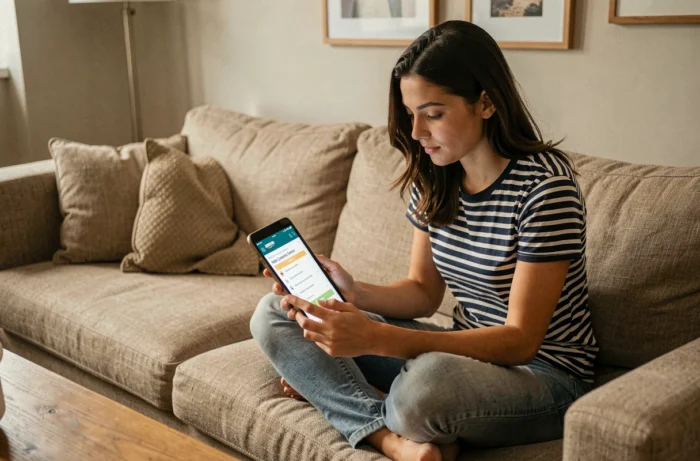
Open the Amazon app, tap the menu (the three horizontal lines), then scroll down to “Customer Service.” Select the relevant order first before choosing how to contact Amazon. This step helps Amazon direct you to the right person.

Phone callback, chat, or email: which channel should you choose?
Once you’ve identified your issue in the interface, Amazon generally offers two or three options. Not all options are available for every type of request.
- A phone callback is the most direct option for urgent issues (a lost package, an unrecognized charge, or a locked account). Enter your phone number, and a representative will call you back within a few minutes.
- Live chat is suitable for simple questions: tracking a delivery, changing an address, or canceling an order that hasn’t shipped. You’ll have a written record of the conversation, which can be useful if there’s a dispute.
- Email isn’t always available. Amazon reserves it for certain types of requests, particularly those related to personal data or accessibility. If the option isn’t available, you can use chat or request a phone callback instead.
Have you noticed that the phone option sometimes disappears? This happens when Amazon thinks your request can be resolved faster through another channel. If you select “Other issue” or rephrase your request, the option often reappears.
Hours of availability
Amazon customer service is available every day.
Contact the carrier instead of Amazon
Not all delivery issues need to be handled by Amazon customer service. If the tracking information says your package was delivered but you haven’t received it, contacting the carrier directly may be more effective.
To identify the carrier, go to “Your Orders,” then select “Track package.” The carrier’s name and tracking number are listed there. Amazon also provides a dedicated page with contact details for each partner carrier. Delivery issues are often resolved faster through the carrier than through general customer service.
This distinction is useful: if your package is out for delivery, the carrier has real-time information that Amazon may not always have.
Accessibility support and personal data requests
Amazon has a dedicated team for customers with disabilities. This channel covers questions about accounts, orders, and devices. You can reach the team by phone, chat, or email. Detailed instructions are available on the dedicated accessibility help page.
Amazon has a separate process for personal data requests (access, deletion, and portability). These requests must be submitted through a dedicated page, not through regular customer service. You can access it from your account settings under “Your Personal Data.”
Third-party sellers: a separate contact process
If your order is from a third-party seller on the Amazon marketplace, contact the seller first, not Amazon. Go to “Your Orders,” click the seller’s name, then select “Ask a question.” Amazon only gets involved if a dispute remains unresolved, through the “A-to-z Guarantee.”
Choosing the right contact process helps avoid unnecessary back-and-forth. For a product sold and shipped by Amazon, contact customer service. For a product sold by a third party, start with the seller. Check the “sold and shipped by” information on the product page before taking action.